
Your local web servers, in one window.
Banchina finds your web projects. You start or stop each server from there, without opening Terminal.
Native macOS app, open source. SwiftUI, macOS 14 or later, no account, no telemetry.
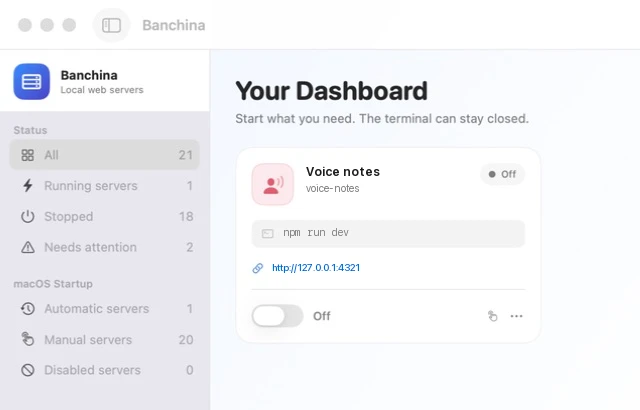
It looks at what is running before it stops anything.
A port check tells Banchina whether a service answers. The owner of the process tells it whether the service is safe to stop.
Servers you did not start
Servers started elsewhere show up as already active. Banchina does not take them over and never sends them a signal on its own.
Search more than one folder
Scan selected locations, readable user folders, or a removable drive.
Stop the whole tree
Owned servers get a clean TERM, a grace period, then a bounded fallback.
Scans run apart from the window
Filesystem discovery, process lifecycle, logs, and SwiftUI state run on separate concurrency domains. Scans remain cancellable.
One window, no account
Your catalog stays in Application Support with private file permissions. Banchina has no analytics or telemetry, and no cloud service.
Set it up in four steps.
Choose where to look.
Pick a folder, your Mac, or an external volume.
Review what was found.
See the command, folder, framework, and inferred port first.
Import the servers you trust.
Edit arguments, health checks, environment, and icon when needed.
Use the switch.
Start, watch status and logs, then stop from the same screen.
Build it on your Mac.
Banchina is MIT licensed. It requires macOS 14 or later and Swift 6. The repository has no third-party dependencies; the build script creates a locally signed app.
git clone https://github.com/nerln/banchina.git
cd banchina
./build.sh
open Banchina.app